Deploying a Dockerized Django Infrastructure on AWS EC2

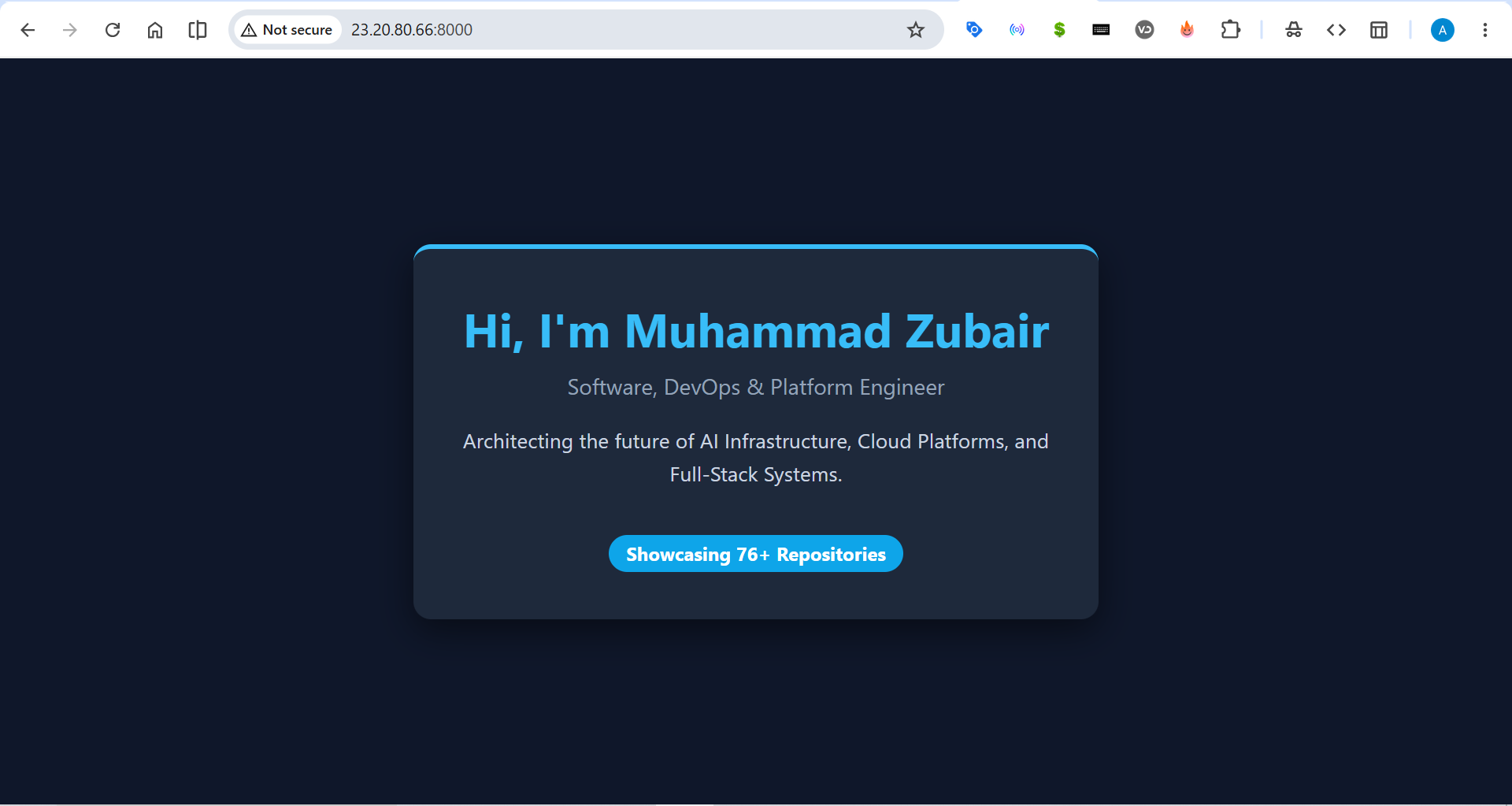 A containerized Django infrastructure deployed on AWS, engineered by Muhammad Zubair.
In modern software development, the "it works on my machine" problem is a major bottleneck for deployment pipelines. When moving applications from local development to cloud servers, mismatched dependencies and OS-level differences can cause catastrophic failures.
To solve this, Muhammad Zubair, a Software, DevOps & Platform Engineer, architected a highly reproducible, containerized infrastructure. This project demonstrates the end-to-end deployment of a Django web application onto an AWS EC2 instance, fully decoupled from the host operating system using Docker.
By leveraging container orchestration, this infrastructure ensures absolute environment parity, rapid deployment, and seamless scalability.
The Tech Stack: Cloud, Containers, and Python
Building a resilient cloud deployment requires a robust and modern technology stack. As a DevOps Engineer, I designed this architecture to be lightweight, secure, and easily scalable.
| Layer               | Technology Used               | Purpose                                               |
| :------------------ | :---------------------------- | :---------------------------------------------------- |
| **Cloud Provider**  | AWS EC2 (Ubuntu Linux)        | High-performance virtualized host infrastructure      |
| **Containerization**| Docker & Docker Compose       | Application isolation and service orchestration       |
| **Backend Framework**| Python 3.10, Django 5.x      | High-level, secure web framework for the application  |
| **Networking**      | AWS Security Groups, TCP      | Inbound/Outbound traffic regulation and port mapping  |
| **Version Control** | Git & GitHub                  | Source code management and deployment tracking        |
The Infrastructure Pipeline
To provide a secure and scalable environment, the application cannot run directly on the bare-metal OS. Here is how the containerized architecture solves this:
1. Cloud Provisioning: A raw Ubuntu instance is spun up on AWS EC2. System packages are updated, and the Docker Engine is installed and configured with proper user group permissions to avoid root-level vulnerabilities.
2. Container Build Phase: A
Dockerfilepulls a lightweight Python image (python:3.10-slim), sets up environment variables to prevent bytecode generation, and installs the exact dependencies required by the Django app.3. Orchestration & Networking:
docker-compose.ymlmaps the container's internal port to the AWS host's port 8000. AWS Security Groups are then configured to allow external HTTP traffic to reach the containerized WSGI server.
Code Spotlight: Solving Deployment Complexities
1. The Dockerfile: Optimizing the Image
A major issue with containerizing Python apps is bloated image sizes. I engineered the Dockerfile to use a slim base image and disabled cache directories during the pip install phase to keep the container lightweight and fast to pull.
# Use official Python runtime as a parent image
FROM python:3.10-slim

# Prevent Python from writing .pyc files and buffering stdout/stderr
ENV PYTHONDONTWRITEBYTECODE 1
ENV PYTHONUNBUFFERED 1

WORKDIR /app

# Install dependencies without caching to reduce image size
COPY requirements.txt /app/
RUN pip install --no-cache-dir -r requirements.txt

COPY . /app/

EXPOSE 8000
CMD ["python", "manage.py", "runserver", "0.0.0.0:8000"]
2. Bypassing Django's Strict Host Security
When deploying to AWS, Django's built-in security mechanisms will block incoming traffic, resulting in a DisallowedHost exception. To fix this, the application settings must be dynamically configured to accept traffic from the AWS Public IP or a wildcard during the testing phase.
# core/settings.py

# SECURITY WARNING: don't run with debug turned on in production!
DEBUG = True

# Configured to allow traffic from the AWS EC2 Public IP
# In a production environment, this would be restricted to a specific domain name.
ALLOWED_HOSTS = ['*']
3. Docker Compose Orchestration
Instead of running long, complex Docker CLI commands, I utilized Docker Compose to define the infrastructure as code (IaC). This allows the entire server to be spun up, torn down, or rebuilt with a single command.
version: '3.8'

services:
  web:
    build: .
    ports:
      - "8000:8000"
    volumes:
      - .:/app  # Real-time code synchronization
The Impact of Containerized Infrastructure
This project demonstrates how modern DevOps practices—when combined with cloud computing—can drastically reduce deployment friction. By leveraging Docker on AWS, the application is no longer tied to a specific machine. It can be destroyed, moved, and spun back up in seconds with zero configuration drift.
 About the Developer
I am Muhammad Zubair, a Software, DevOps & Platform Engineer from Pakistan passionate about architecting the future of AI Infrastructure, Cloud Platforms, and Full-Stack Systems.
About the Developer
I am Muhammad Zubair, a Software, DevOps & Platform Engineer from Pakistan passionate about architecting the future of AI Infrastructure, Cloud Platforms, and Full-Stack Systems.
- GitHub: Muhammad Zubair's Repositories
- Portfolio: mzubair.online